コンテンツにスキップ

開発者ブログ

SDK Manager

Hello again! It’s me your local mod tooling gal, a.k.a Infinity, and I’m here to share to y’all something cool that I’ve been working on!

So, I’ve noticed that creating modding projects is a huge hurdle for getting started with modding, and that there is also no way to easily upgrade a project between 0.2.8.5 and 26w32a or any version you’d want - with our current recommendations being to just create a new project and copy the assets. Obviously unsustainable…

That’s why I’ve decided to create something called the Redux SDK Manager

The Redux SDK manager is a GUI/CLI based tool for managing your projects, with the CLI being for those more technically inclined to work with, so this will be a general overview of the GUI.

Starting off when opened, you are greeted with a list of your projects (yours obviously will be empty) and buttons for importing/creating new projects easily.
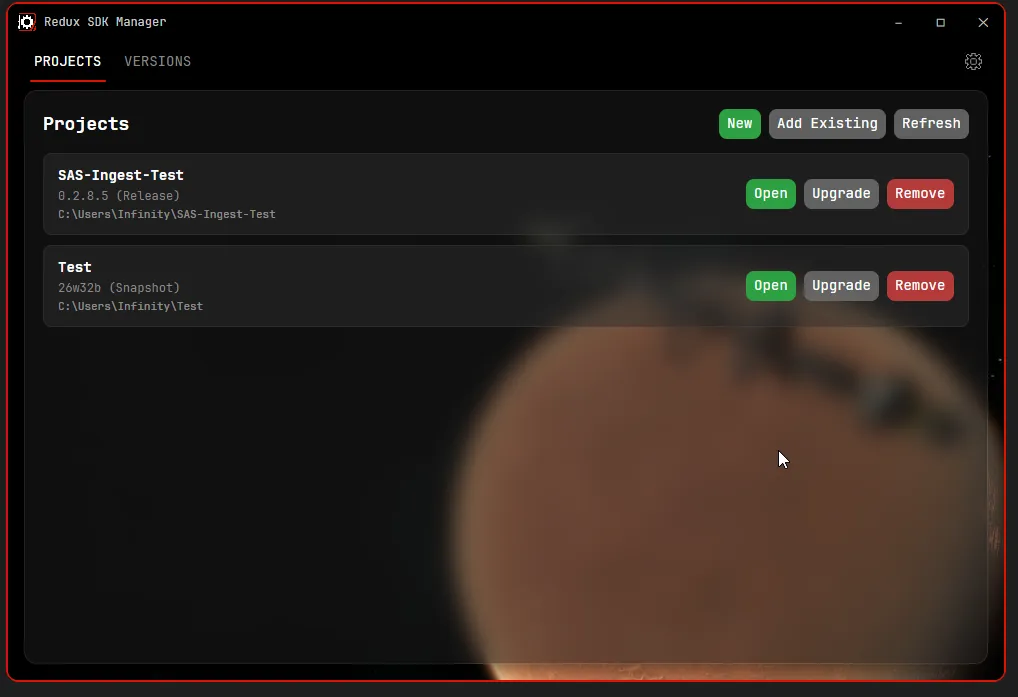
View on launch

Creating a new project for your mods is quite simple, all you do is press new and select a version (snapshot versions are hidden by default, you can enable them in the settings)
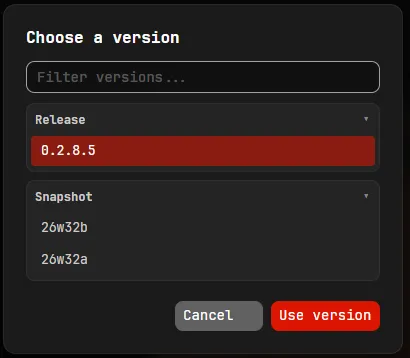
New project menu

Once you have chosen a version, a folder picker will pop up asking you for an empty folder to create the project in
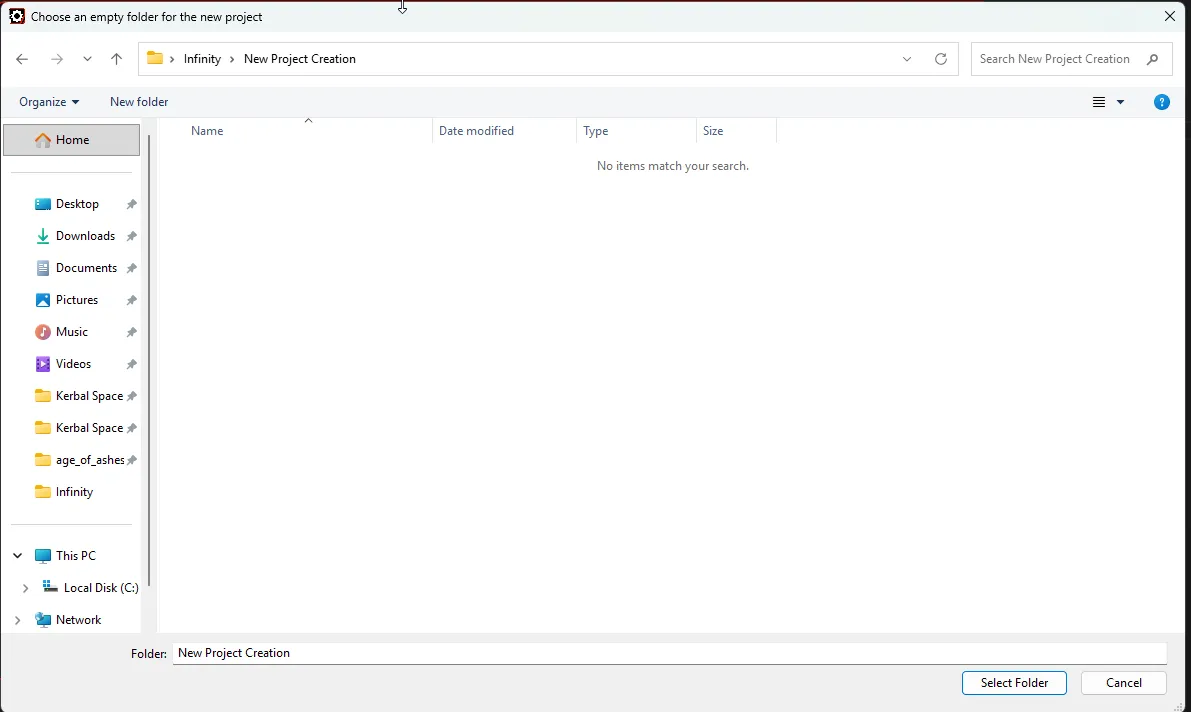
Folder picker

After that, you will be asked to choose a name for your project
Name dialog

And then it may prompt you that it found a KSP2 install, this is for the automated thunderkit importing.

Afterwards, you just have to wait for the setup to complete (it will take like 5-10 minutes) and you should have a usable modding project!

Upgrading a project to a new SDK version is also just as simple, you press the upgrade button and choose the new version you want to target and it will do everything for you.

This program does require you to have git and the unity hub installed, it will detect this on launch and prompt you to install if you don’t have them, but if you want to download them first, here is where you can find them

On first launch you also need to be connected to the internet to fetch the latest SDK versions, subsequent launches and project upgrading does not require a connection however unity will not be able to download the packages without internet connection.

You can download this now at https://github.com/KSP2Redux/Redux-SDK-Manager/releases/latest

Have fun making your mods! :3
Snapshot 26w32b

Hey all! This second snapshot for this week contains numerous bug fixes for the previous snapshot, in general, physics stability should be greatly improved, and you will all actually be able to see the beauty that is Beyl!

It also contains a few new QoL improvements and another new tutorial.

Thank you to all of you who have submitted bug reports, it helps us very much. If you have a previous snapshot installed, please update to the new one, new bug reports made on the previous version will be disregarded as outdated.

As a reminder - snapshot versions are very much in development and will have bugs, do not play your main saves on them, and please do report the bugs using the in-game bug reporter (Esc -> Report Redux Bug, or pressing Ctrl+B anywhere in the game).

Changelog is available on our GitHub.

New Part Modding Tools

I’ve been in charge of implementing the parts made by our wonderful artists that you’ve been seeing in our “Redux Propaganda Posters” (Yes, that’s what our team calls those parts posters internally) recently and I thought this would be the perfect opportunity to show off our part modding tools!

For this example, I’m using a simple test asset that combines several different part modules into a single part. In the timelapse below, you can see how simple it is to create a brand new part with multiple modules (a generator, an engine, probe, reaction wheel, etc.) with attachment points, drag cubes, reentry meshes and an icon within a few clicks. This part in total took me 30 minutes to implement!

The tools are very easy to use and don’t have a steep learning curve. I had no previous experience with these tools until recently, and it’s been a blast using them! Each module has its own dedicated editor with easy-to-understand settings. Some part modules have different authoring modes, e.g. the fairing module has three: Part Shroud, Variable Shroud, Fairing. Variable Shroud is used for engine mounts or tubes, and the other two are self-explanatory.

These tools, along with planet modding and mission modding tools, are out now! I can’t wait to see the parts you guys create!

Snapshot 26w32a

Hello!

So we have decided once again to change our versioning scheme - all “beta” releases are now in the “stable” channel in the launcher (which your launcher should have automatically switched to!) and we are going to be repurposing the “beta” channel for a new system… snapshots: (mostly) weekly updates that reflect the latest work we have been doing on KSP2 Redux without you having to wait months and months.

With that said, today we are releasing:

This snapshot contains a lot of the WIP teased features for beta 7, including 2 new moons, an ISRU system, CommNet lines, and a lot more! You can download it right now in the “beta” channel of your launcher, which you can switch to in the settings.

As a note - these snapshots are in heavy development and you should expect bugs. If you do find any, please report them in the game, using Esc -> Report Redux Bug, or Ctrl+B! We’re also looking for feedback on the new features, so please let us know what you think on Discord.

You can find the full changelog for this snapshot on our GitHub.

Celestial Bodies

Hi all!!! I’m Emu, (former) lead developer of the Promised Worlds mod for KSP1 and now KSP2 Redux celestial body architect! I’ve been having a lot of fun with the new planet crafting tools coming to Redux (created by Infinity, many thanks :3) and I’m excited to share my experience and some sneak peeks at new celestial bodies coming to Redux!

The planet crafting process is a lot different from KSP1, much more straightforward. Instead of having to close and reopen the game and sit through painful loading screens for every little adjustment, you get a celestial body authoring scene where you can see your changes happen in real time. Your work is validated as you go, being checked for mistakes and showing you how resource-intensive your new world will be. Many processes that would involve multiple other applications and several minutes of loading screens are now just a click of a button! For me, the transition from creating worlds in KSP1 to KSP2 was like night and day.

In KSP2, the texture process is done in reverse. You bake your main global maps from many terrain materials and height maps tiled across one main global height map, which lets you add insane detail that just isn’t possible with KSP1 modding tools. You can also add crazy variety to your planets; up to 16 surface materials and a large number of height maps, in total over 100 textures. Of course you don’t have to go that far, but it’s nice to have the option to do that much.

Redux’s planet crafting tools take the stress out of making non-spherical bodies. You simply sculpt your new world in your preferred 3d modelling software and then run it through the height map baker tool which turns your sculpted model into a height map! This tool creates a 16-bit texture, so your nightmares of stepping terrain from KSP1 are over.

And this is only the beginning! Local-space scatter creation tools are coming soon, and eventually atmospheres, clouds, rings and more will be easier than ever. Once I’m fully acquainted with these new tools, I will be writing extensive guides for modders and contributors on how to use them.

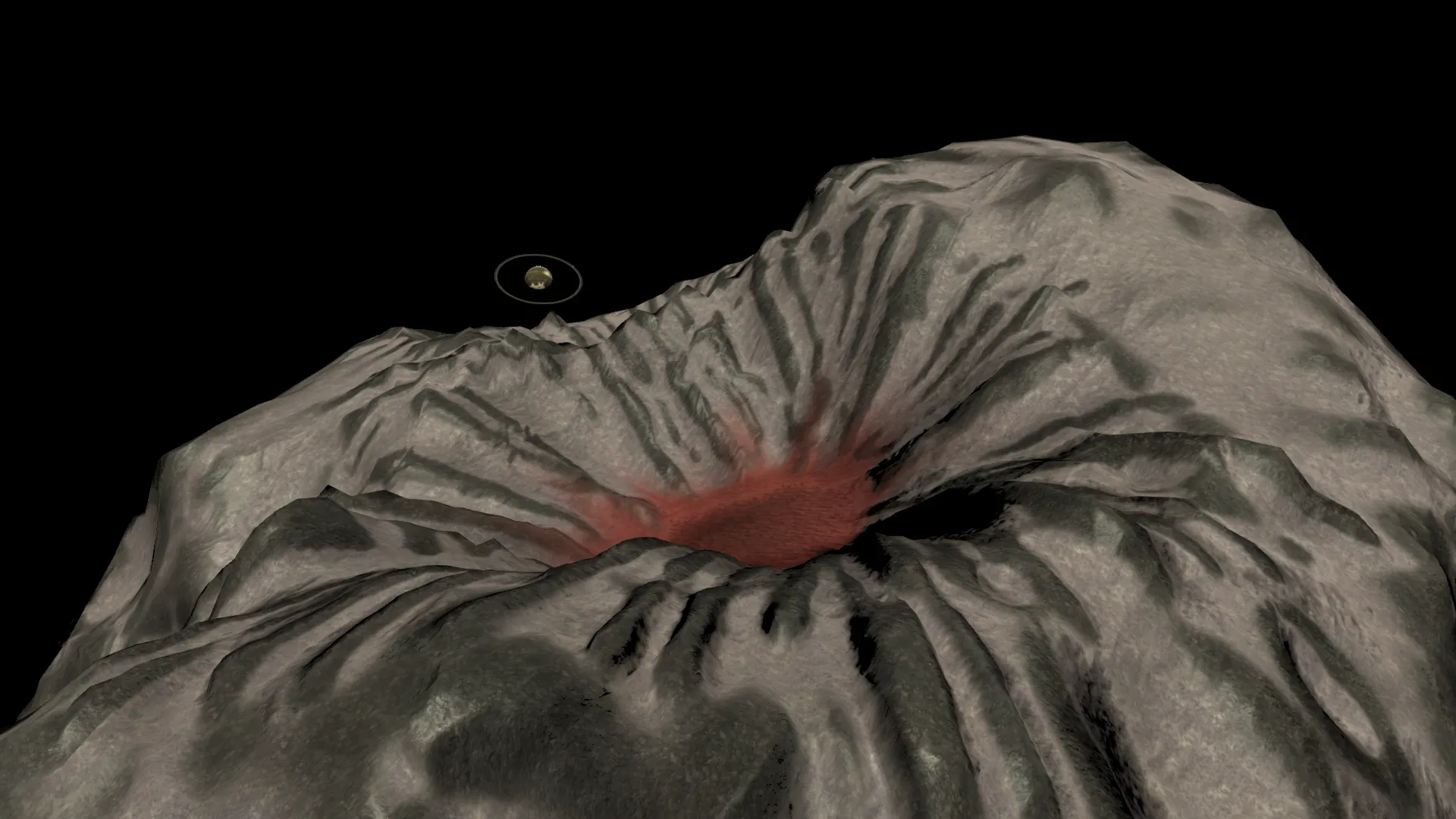
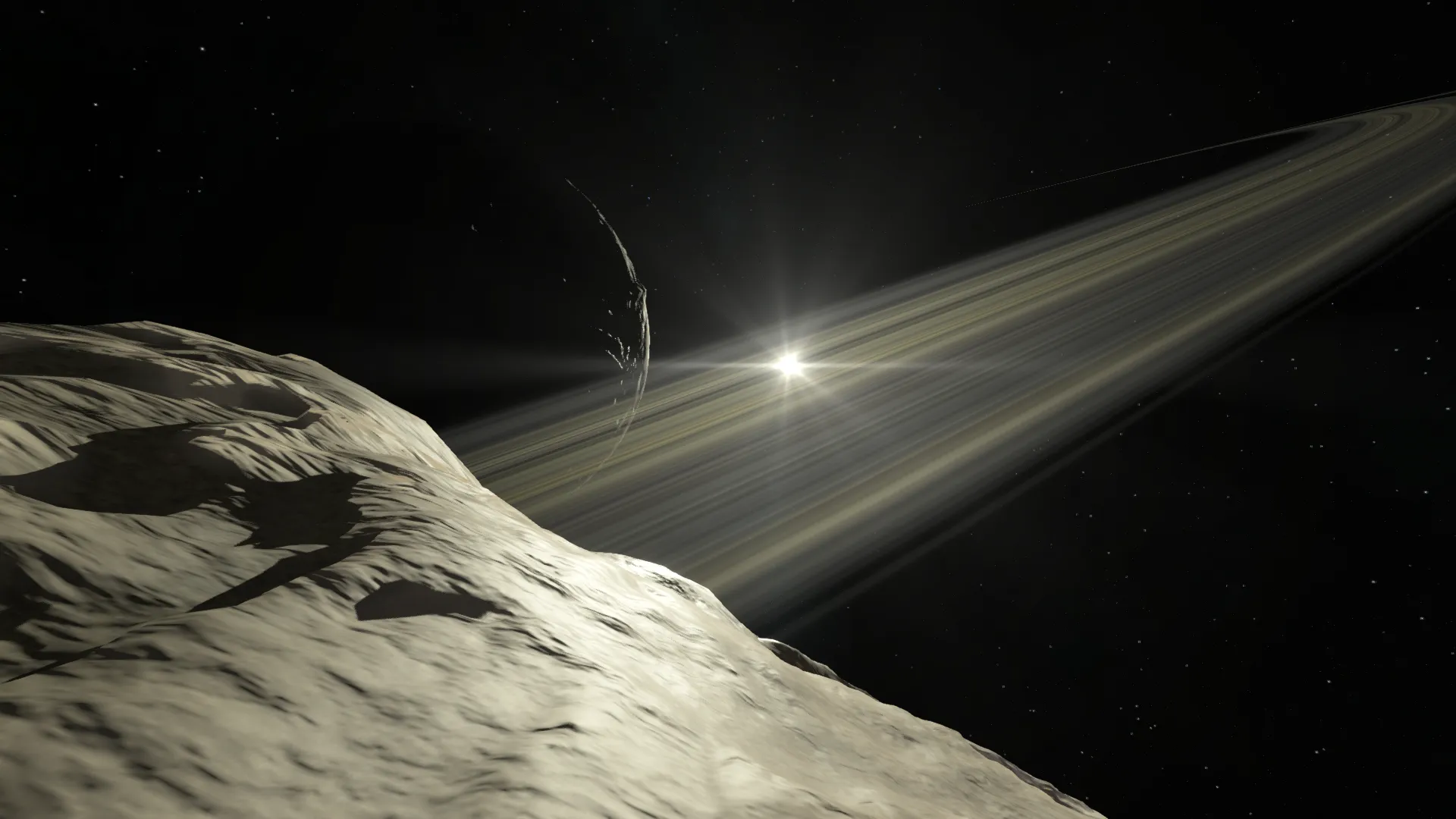
We’ve been hard at work crafting two new celestial bodies: Drast and Beyl! These minor moons were found in the game files, likely meant for a future update, and now we’re bringing them to Redux. Both moons of Dres, Drast accumulates debris from Dres’ rings, while Beyl hurtles through the outer SOI in a distant, retrograde, inclined orbit.

Currently these two lack scatters or discoverables, but their terrain is mostly finished. Here are some sneak peeks!

Drast Drast

Beyl Beyl