Skip to content

DEV BLOG

New Part Modding Tools

I’ve been in charge of implementing the parts made by our wonderful artists that you’ve been seeing in our “Redux Propaganda Posters” (Yes, that’s what our team calls those parts posters internally) recently and I thought this would be the perfect opportunity to show off our part modding tools!

For this example, I’m using a simple test asset that combines several different part modules into a single part. In the timelapse below, you can see how simple it is to create a brand new part with multiple modules (a generator, an engine, probe, reaction wheel, etc.) with attachment points, drag cubes, reentry meshes and an icon within a few clicks. This part in total took me 30 minutes to implement!

The tools are very easy to use and don’t have a steep learning curve. I had no previous experience with these tools until recently, and it’s been a blast using them! Each module has its own dedicated editor with easy-to-understand settings. Some part modules have different authoring modes, e.g. the fairing module has three: Part Shroud, Variable Shroud, Fairing. Variable Shroud is used for engine mounts or tubes, and the other two are self-explanatory.

These tools, along with planet modding and mission modding tools, are out now! I can’t wait to see the parts you guys create!
Snapshot 26w32a

Hello!

So we have decided once again to change our versioning scheme - all “beta” releases are now in the “stable” channel in the launcher (which your launcher should have automatically switched to!) and we are going to be repurposing the “beta” channel for a new system… snapshots: (mostly) weekly updates that reflect the latest work we have been doing on KSP2 Redux without you having to wait months and months.

With that said, today we are releasing:

This snapshot contains a lot of the WIP teased features for beta 7, including 2 new moons, an ISRU system, CommNet lines, and a lot more! You can download it right now in the “beta” channel of your launcher, which you can switch to in the settings.

As a note - these snapshots are in heavy development and you should expect bugs. If you do find any, please report them in the game, using Esc -> Report Redux Bug, or Ctrl+B! We’re also looking for feedback on the new features, so please let us know what you think on Discord.

You can find the full changelog for this snapshot on our GitHub.

Celestial Bodies

Hi all!!! I’m Emu, (former) lead developer of the Promised Worlds mod for KSP1 and now KSP2 Redux celestial body architect! I’ve been having a lot of fun with the new planet crafting tools coming to Redux (created by Infinity, many thanks :3) and I’m excited to share my experience and some sneak peeks at new celestial bodies coming to Redux!

The planet crafting process is a lot different from KSP1, much more straightforward. Instead of having to close and reopen the game and sit through painful loading screens for every little adjustment, you get a celestial body authoring scene where you can see your changes happen in real time. Your work is validated as you go, being checked for mistakes and showing you how resource-intensive your new world will be. Many processes that would involve multiple other applications and several minutes of loading screens are now just a click of a button! For me, the transition from creating worlds in KSP1 to KSP2 was like night and day.

In KSP2, the texture process is done in reverse. You bake your main global maps from many terrain materials and height maps tiled across one main global height map, which lets you add insane detail that just isn’t possible with KSP1 modding tools. You can also add crazy variety to your planets; up to 16 surface materials and a large number of height maps, in total over 100 textures. Of course you don’t have to go that far, but it’s nice to have the option to do that much.

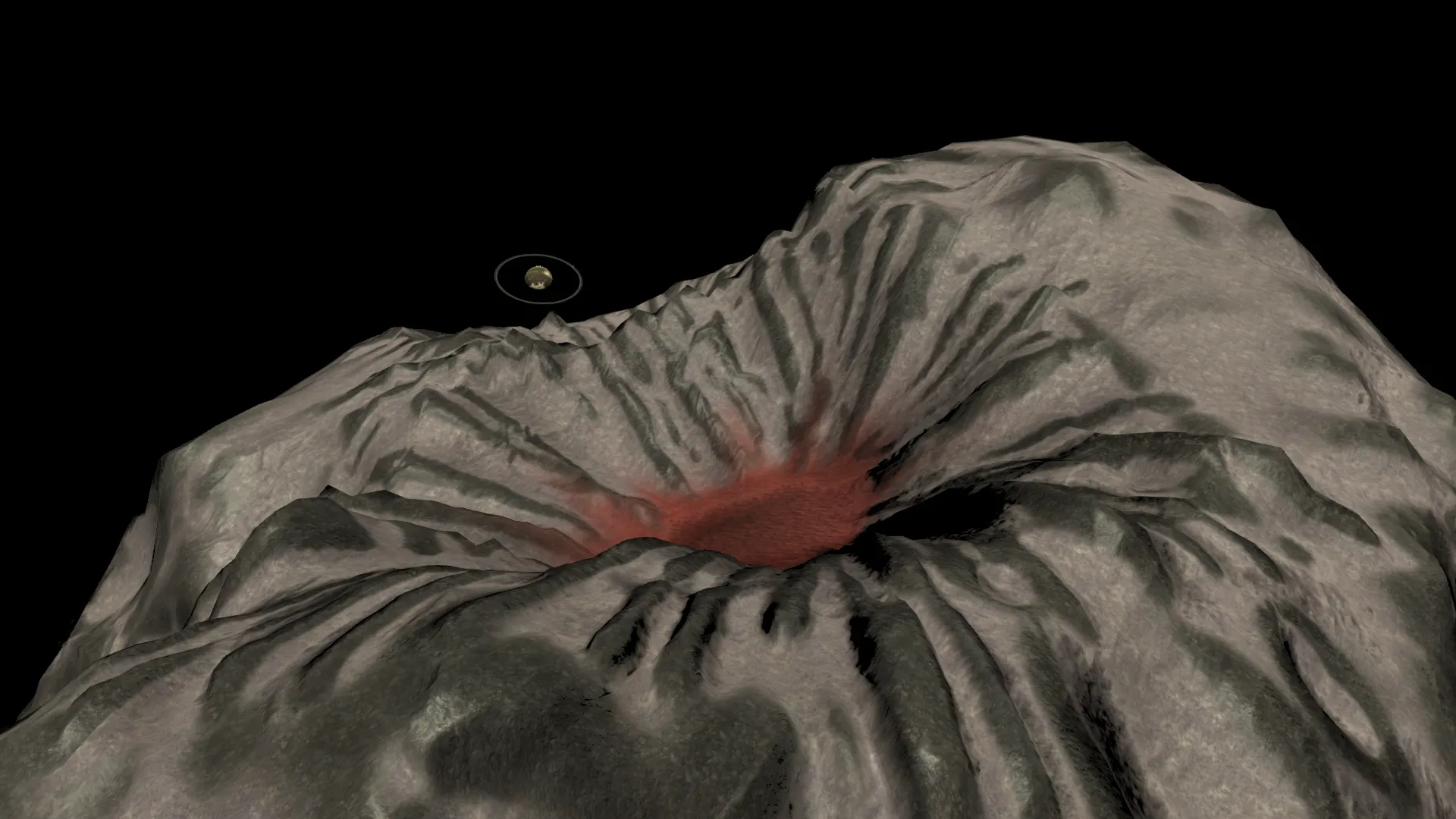
Redux’s planet crafting tools take the stress out of making non-spherical bodies. You simply sculpt your new world in your preferred 3d modelling software and then run it through the height map baker tool which turns your sculpted model into a height map! This tool creates a 16-bit texture, so your nightmares of stepping terrain from KSP1 are over.

And this is only the beginning! Local-space scatter creation tools are coming soon, and eventually atmospheres, clouds, rings and more will be easier than ever. Once I’m fully acquainted with these new tools, I will be writing extensive guides for modders and contributors on how to use them.

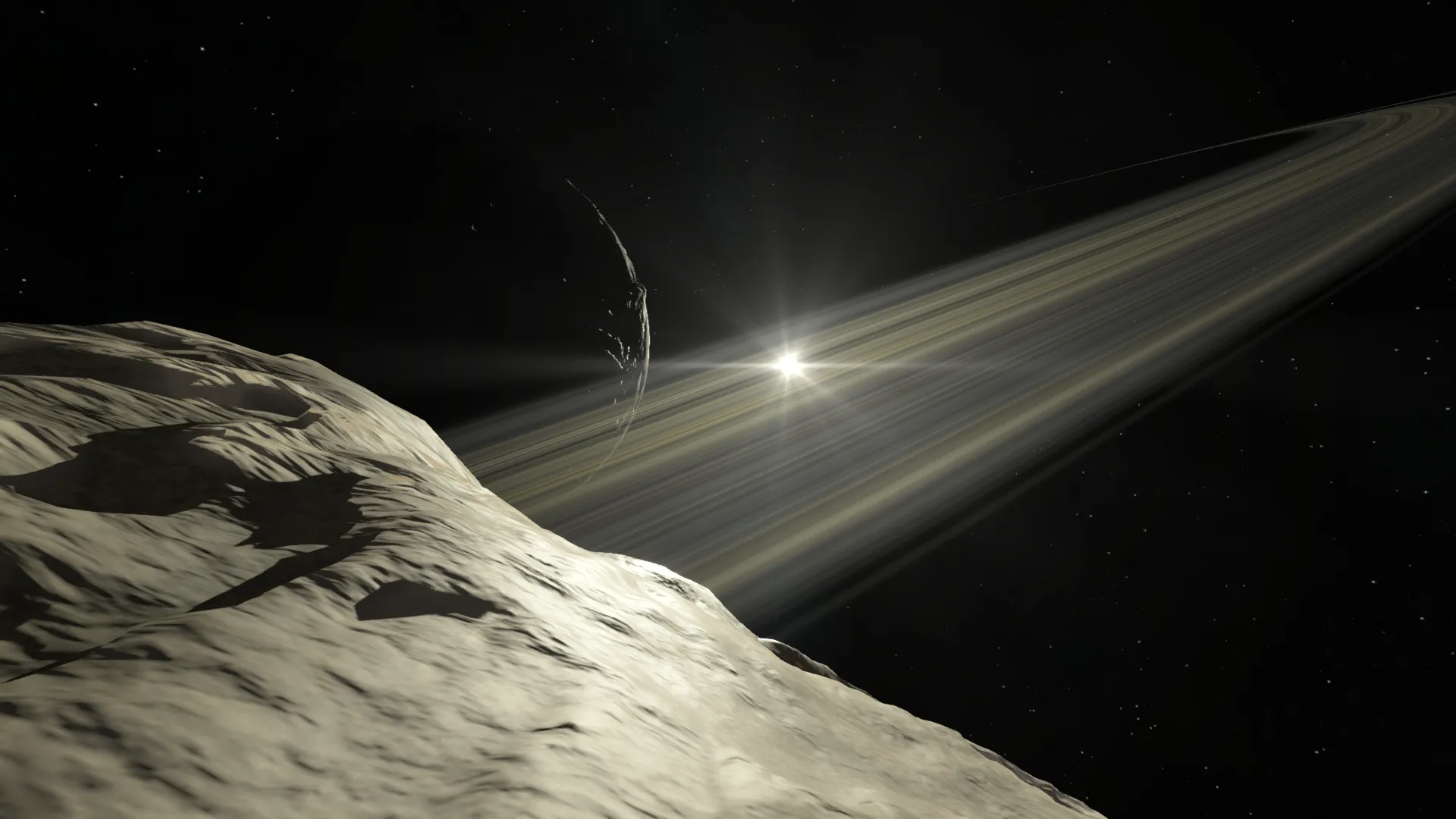
We’ve been hard at work crafting two new celestial bodies: Drast and Beyl! These minor moons were found in the game files, likely meant for a future update, and now we’re bringing them to Redux. Both moons of Dres, Drast accumulates debris from Dres’ rings, while Beyl hurtles through the outer SOI in a distant, retrograde, inclined orbit.

Currently these two lack scatters or discoverables, but their terrain is mostly finished. Here are some sneak peeks!

Drast Drast

Beyl Beyl

v0.2.8.4 Beta 6 Hotfix 4

We’ve just released a minor update for Beta 6. As we continue working on the massive ECS rewrites for beta 7, we wanted to address some of the issues in beta 6 and give you just a little bit of new content: SM+ heat shield, procedural body flaps, fixed KSP1 engine plumes, improved stickers, and more.

You can install the update in the Updater application (If you don’t have it yet, download on the Updater GitHub page). - Simply select the newest beta (highest number) in the dropdown and click Install/Update.

  • Added: SM+ heat shield
  • Added: SM, MD and LG procedural body flaps
  • Updated: SM+ command pod aerodynamics
  • Added: Toggle for hiding sticker placement geometry in the VAB
  • Updated: Stickers now can cover either a single part or all adjacent parts
  • Fixed: Stickers not working after loading a saved craft
  • Fixed: Sticker projection target culling
  • Fixed: KSP1-imported engine plume materials rendering incorrectly
  • Fixed: KSP1-imported engine plumes appearing detached from nozzles and incorrectly sized
  • Updated: KSP1-imported multi-nozzle engines now get separate plumes for each nozzle
  • Fixed: Maneuver popup disappearing when the cursor intersects another part of the orbit
  • Updated: Maneuver burn patch colors are clearer

v0.2.8.3 Beta 6 Hotfix 3

We’ve released a maintenance hotfix for Beta 6.

You can install the update in the Updater application. If you don’t have it yet, download it on the Updater GitHub page. Simply select the newest beta, which is the highest number in the dropdown, and click Install.

This update has no changes compared to Beta 6 Hotfix 2. The only difference is a change in the versioning system. Here’s a comparison of the before and after:

Stock = v0.2.2
Beta 1 -> v0.2.3
Beta 2 -> v0.2.4
Beta 3 -> v0.2.5
Beta 3 Hotfix 1 -> v0.2.5.1
Beta 4 -> v0.2.6
Beta 4 Hotfix 1 -> v0.2.6.1
Beta 5 -> v0.2.7
Beta 5 Hotfix 1 -> v0.2.7.1
Beta 5 Hotfix 2 -> v0.2.7.2
Beta 6 -> v0.2.8
Beta 6 Hotfix 1 -> v0.2.8.1
Beta 6 Hotfix 2 -> v0.2.8.2
Beta 6 Hotfix 3 -> v0.2.8.3

This means that Beta 7 will be numbered as 0.2.9, most likely finishing the Redux beta testing For Science! phase. The first stable release of Foundation will be labeled 0.3 to signify that we’ll have finally fully entered a new stage of development.

The change was made mainly because our betas kept getting bigger and bigger, with more features than we expected, and we felt that they deserved their own version numbers. Not to mention, it’s been kind of confusing why one mod works on beta 6 and another one doesn’t even though they are both for 0.2.3, because there have been 12 different releases with the version number 0.2.3. This renaming should hopefully make more sense.