Performance Improvements Overview
Basic rundown of Redux FPS improvements:
Leverage newer unity features
- Enable unity “Graphics Jobs” setting. Cuts 3-5ms off the frame on my computer.
- Disable Unity
Physics.autoSyncTransformsoption. This required rewriting a lot of code to avoid depending on the autosync behavior.
Overhaul widely used systems for better performance
TransformFrame is how the game deals with multiple moving reference frames, and is used extensively through the code base. Redux replaces this with an ECS/Burst based system that is significantly faster.
Lots of individually minor “depessimizations” that add up to significant improvements.
Too many to list in a discord comment. Many, many code systems have been tweaked to remove unnecessary steps, fix unnecessary garbage allocations, and accomplish the same task with fewer resources.
Performance test results compilation
All tests are on my system: i7-4790K @ 4GHz, 32GB DDR3 @1333MHz, RTX2080
Small vessel test:
50 fps -> 78 fps
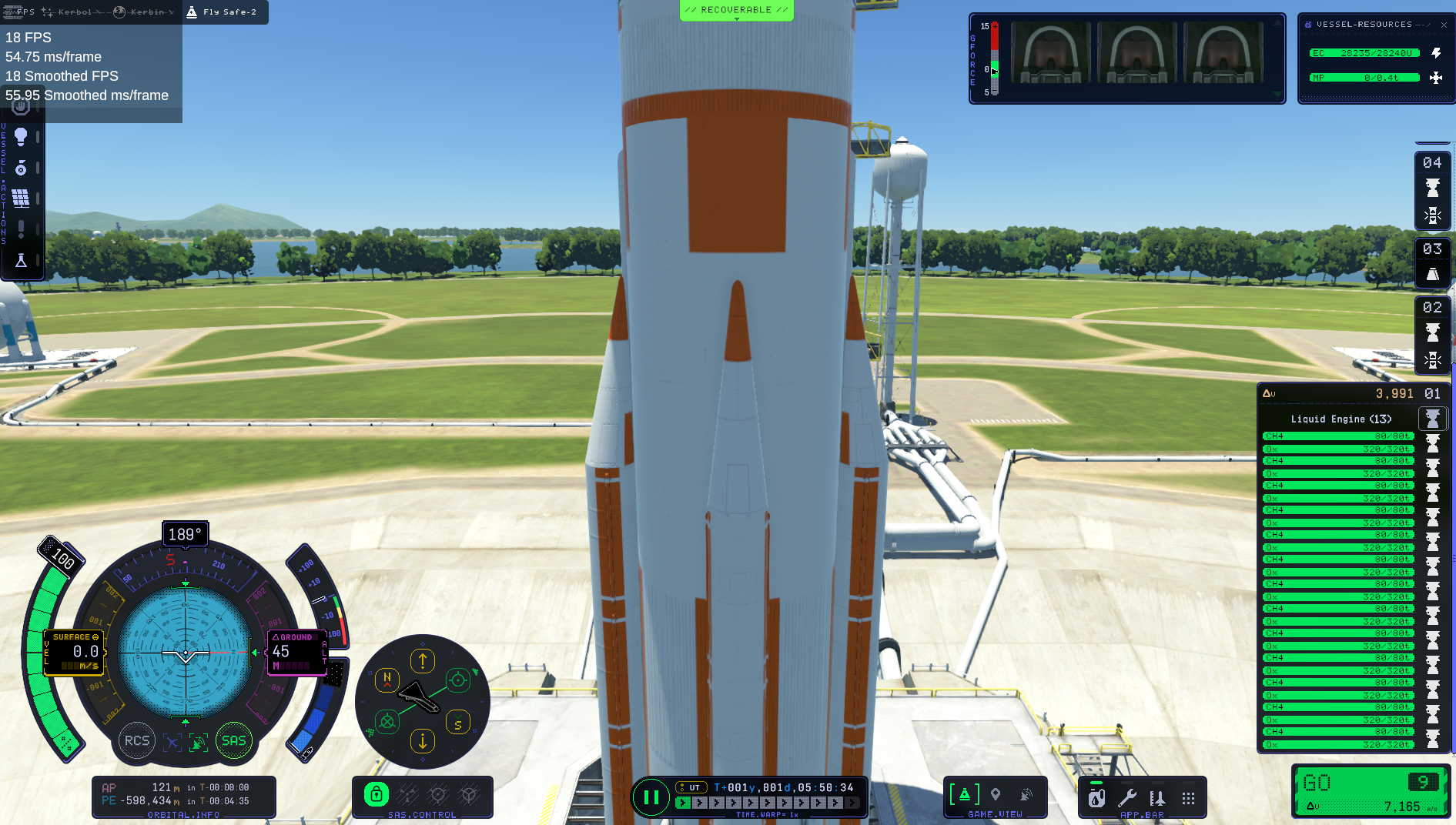
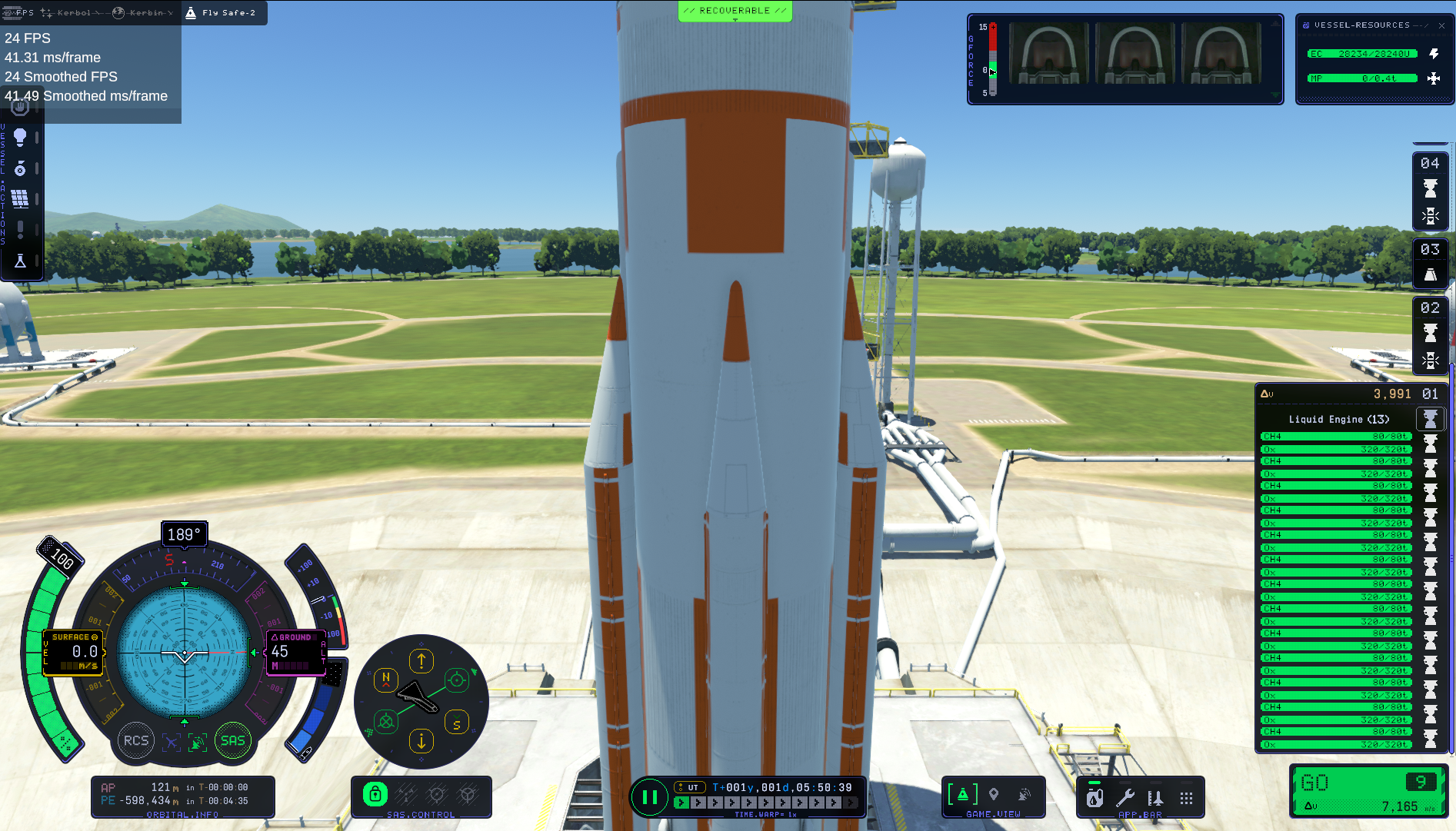
200 part test:
18 fps, 55.95ms/frame -> 24fps, 41.49ms/frame
1500 part test
638 ms/frame -> 347 ms/frame
Unable to recover small-vessel-redux.png from Discord: HTTP Error 404: Not Found
Unable to recover small-vessel-stock.png from Discord: HTTP Error 404: Not Found
Unable to recover 1500-part-test-1.png from Discord: HTTP Error 404: Not Found
Unable to recover 1500-part-test-2.png from Discord: HTTP Error 404: Not Found